Count your way
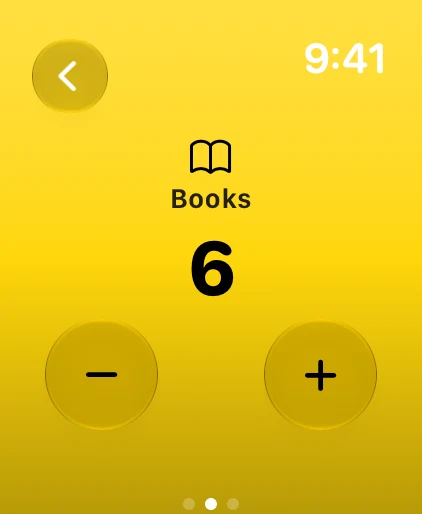
Tap, swipe up and down, use + and − buttons or turn the Digital Crown.
Tally clicker for Apple Watch
Count anything. Right on your wrist.
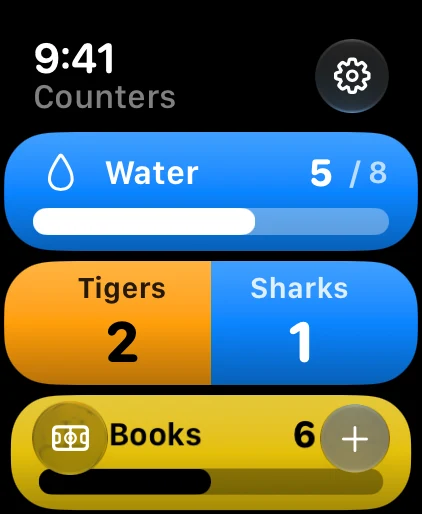
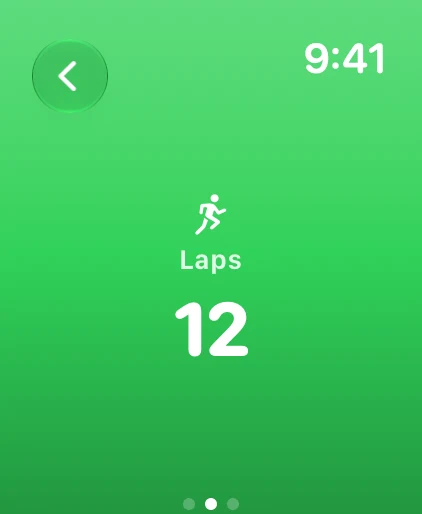
Tap, swipe or turn the Digital Crown to count reps, laps, glasses of water or goals scored. Keep score for a whole match, set goals and put your counters on the watch face.
Tap, swipe up and down, use + and − buttons or turn the Digital Crown.
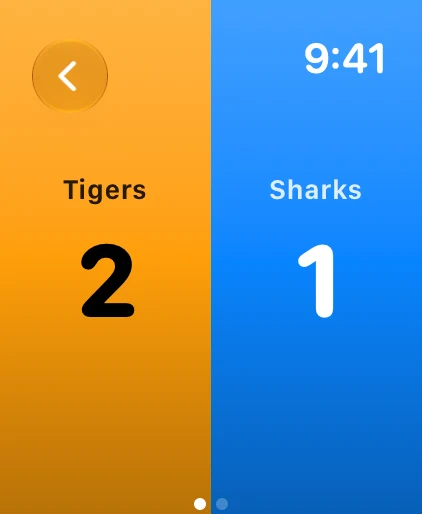
Match mode splits the screen between two teams, each in its own color. Tap a side to score.
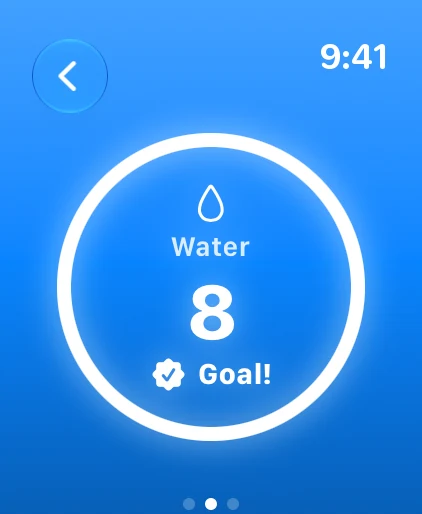
Set a target and watch a ring fill as you get there, with a little celebration at the finish.
Complications, Always-On display, haptics and a design built for WatchOS.
Screens
Make it yours
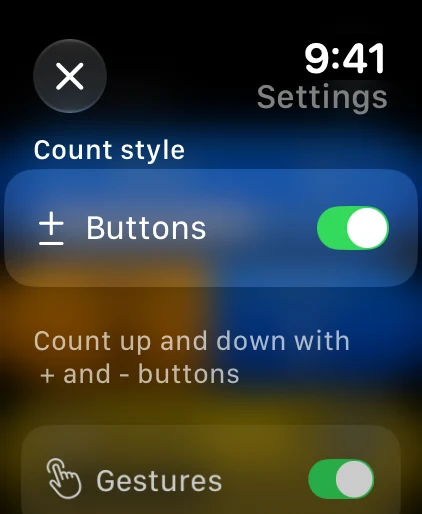
Tap anywhere to count up, swipe up for + and swipe down for −, use the + and − buttons, or turn the Digital Crown. Each way can be turned on or off in Settings, and a haptic confirms every count.
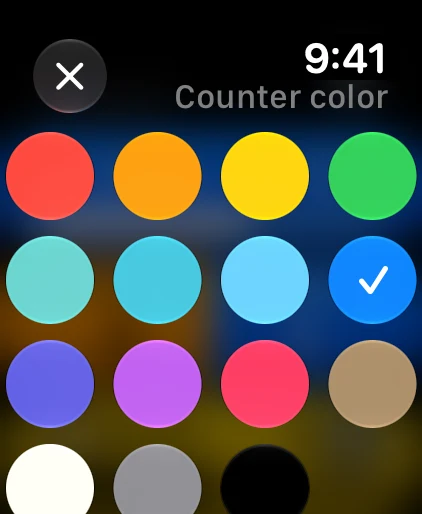
Match mode pairs two counters as Home and Away and shows them on a split screen, each side in its team's color. Tap a side to score. You can rename and recolor the teams, and put a match on your watch face.
No. Watch Counters is made for Apple Watch and needs watchOS 26 or later. It is installed from the App Store on your paired iPhone or directly on the watch.
Yes. Each counter can be reset manually, or automatically every day, week or month. Complications show zero as soon as a reset is due, even if the app was closed.
Add a Watch Counters complication to your watch face and choose which counter or match it shows. Circular, corner, rectangular and inline complications are available, and tapping one opens that counter on its count screen. On full-color watch faces, counters keep their color and icon.
$0.99 (US price), paid once. No subscription, no ads and no account. Your counters stay on your watch.
More from Blue42